Instructions for Students
Viewing Online Course Subscriptions
Accessing Course Completion Certificates
Viewing Online Course Subscriptions
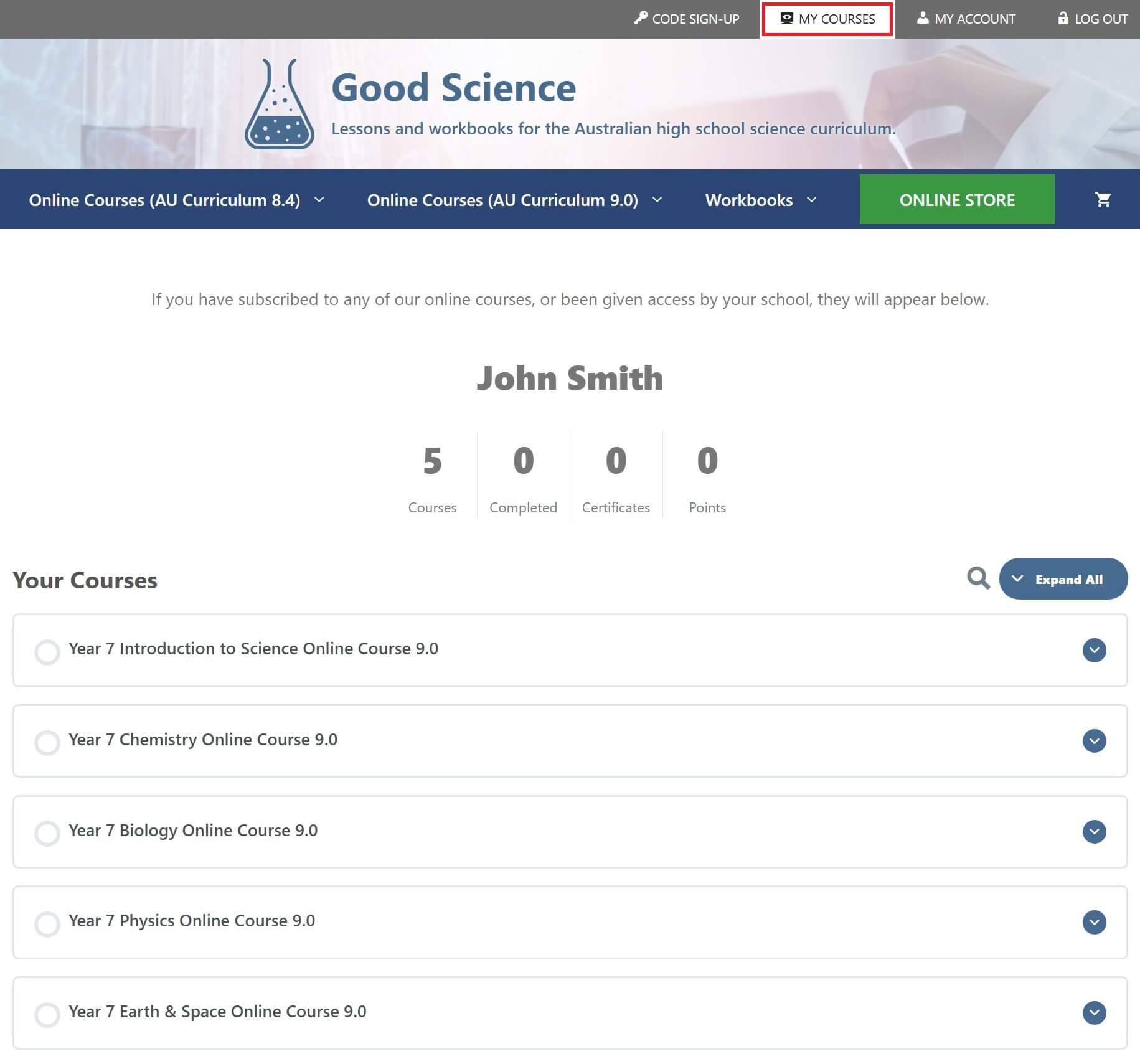
To view a list of the online courses that you have active subscriptions for, click on the MY COURSES tab at the top of any page.
Accessing Online Courses
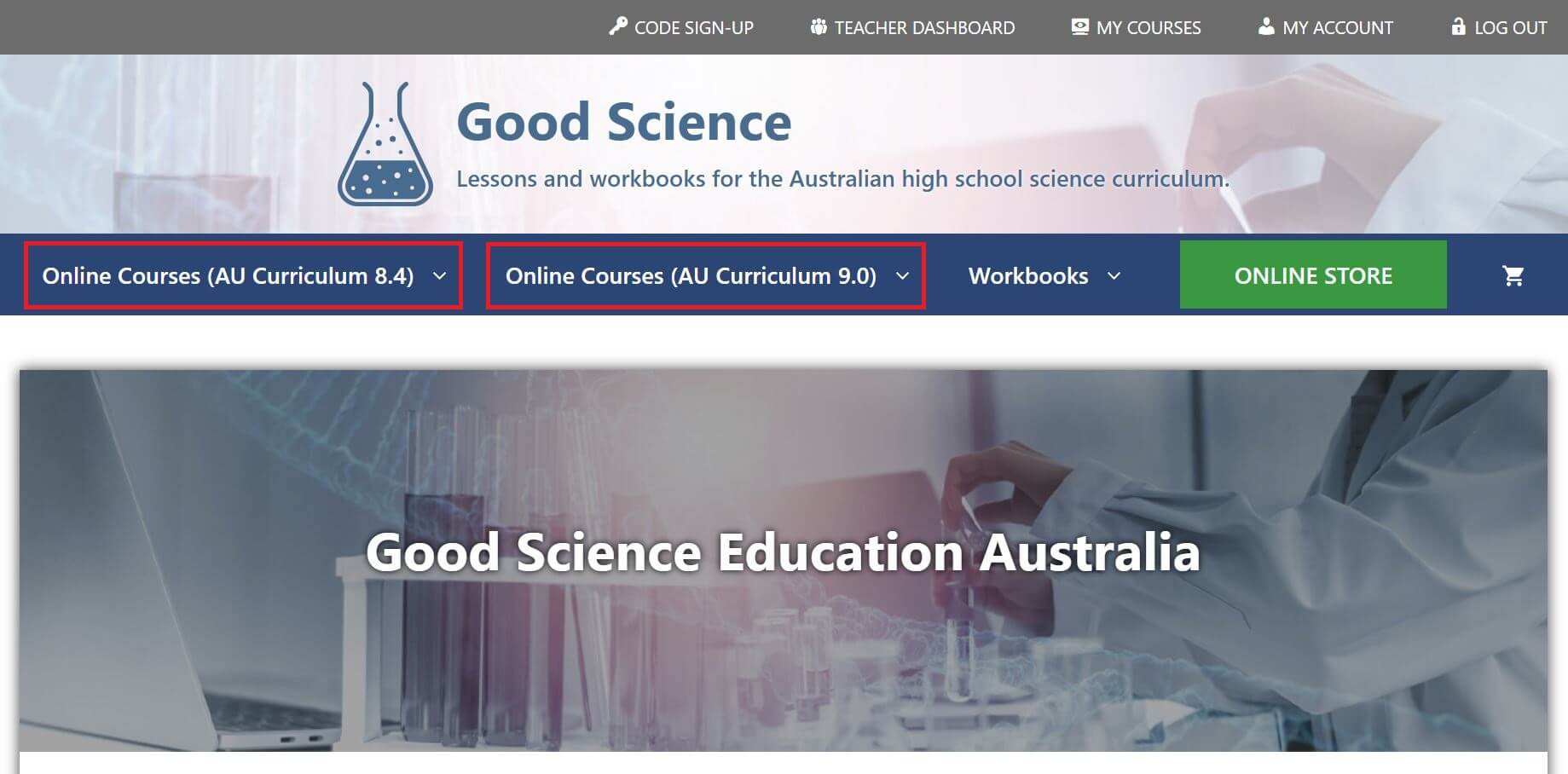
To access your online courses, click on the course name in the MY COURSES list or navigate via the main menu.
Online courses subscriptions purchased before 10 Nov 2025 are accessible via the 2025 Courses menu.
Online courses subscriptions purchased after 10 Nov 2025 are accessible via the 2026 Courses menu.
Accessing Course Completion Certificates
Course completion certificates are available for any course that has been successfully completed.
Completed courses will have a certificate icon next to them in the MY COURSES course list.
Click on the certificate icon to generate the certificate. This can be saved as a PDF and printed.
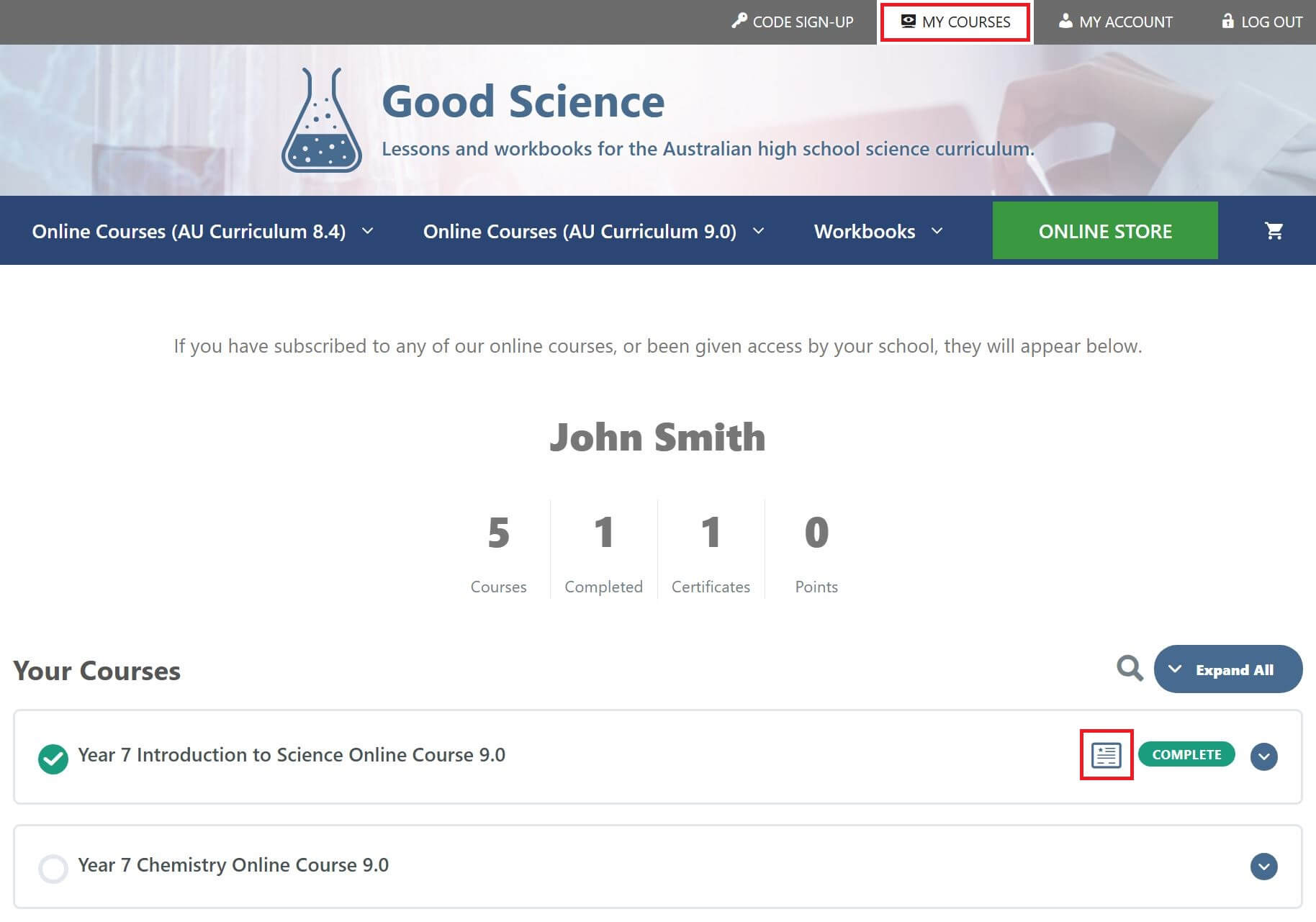
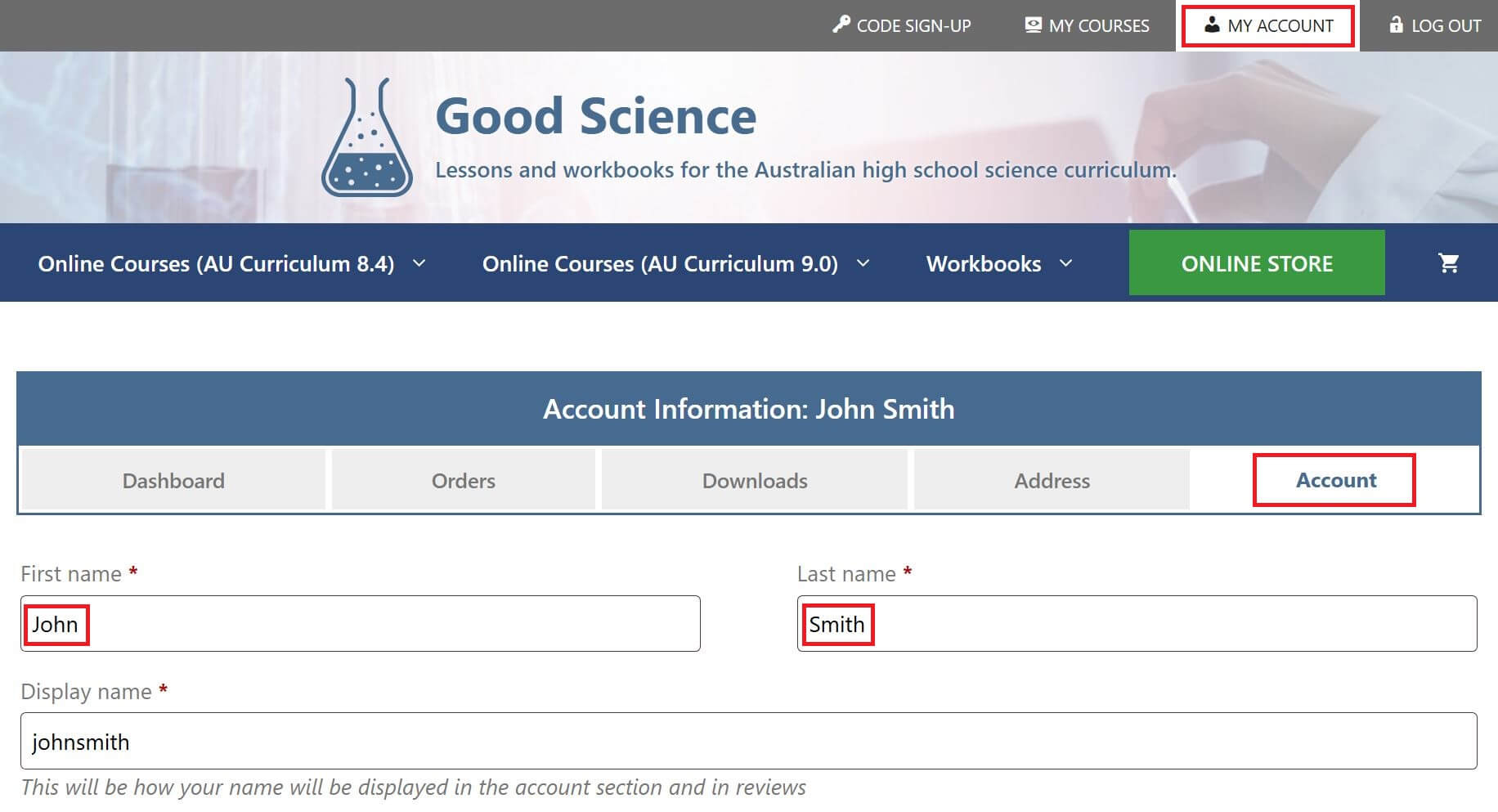
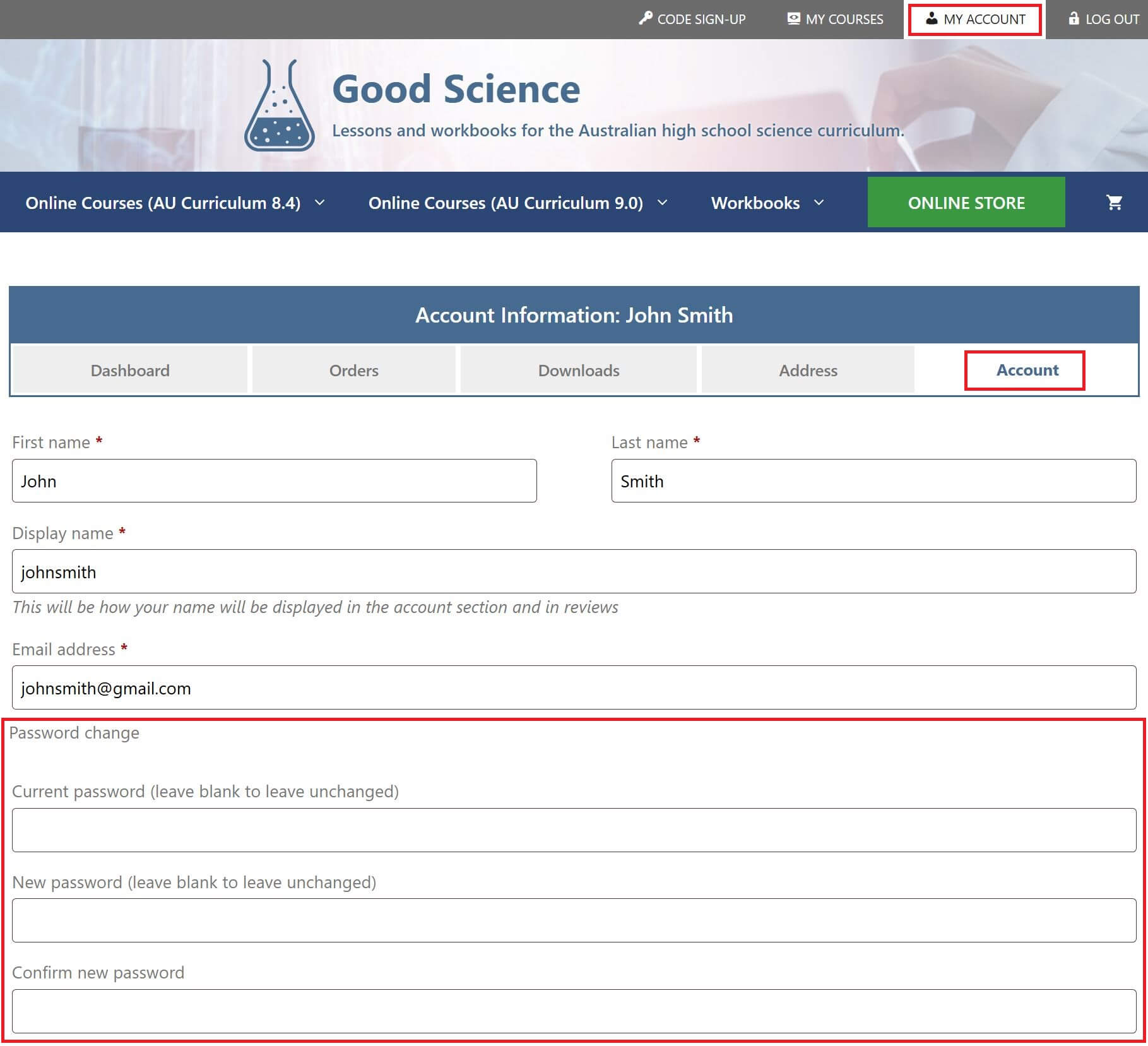
The name generated on the certificate is the first and last name as stored in the account settings. This can be edited by clicking on the MY ACCOUNT tab at the top of any page, then clicking on the ACCOUNT tab.